Not another to-do list you forget to open. ElephantBell nudges you by time, by location, or by catching you scrolling social media — exactly when you're free to act on it.
 I'm your PA — Nudge Buddy

Reminders that evolved to fit real life
To wake up — for study.
Classic scheduled reminders — daily, weekly, or one-off.
🔔 Get a head start, not just a heads-up.
A unique feature — get notified days ahead: 1, 2, 3, 5, 7 and more — for better planning.
To wake up — from bus or train.
Geofenced nudges that fire when you arrive or leave somewhere.
📍 Right place, right reminder.
Choose your own radius — 500m, 1km, 2km, or 5km around any place.
To wake up — from social media 😁
Catches you when you open Instagram, WhatsApp, or YouTube for too long.
📱 Catch the distraction before it catches you.
Choose any app to monitor, and set your own minutes before it nudges you.
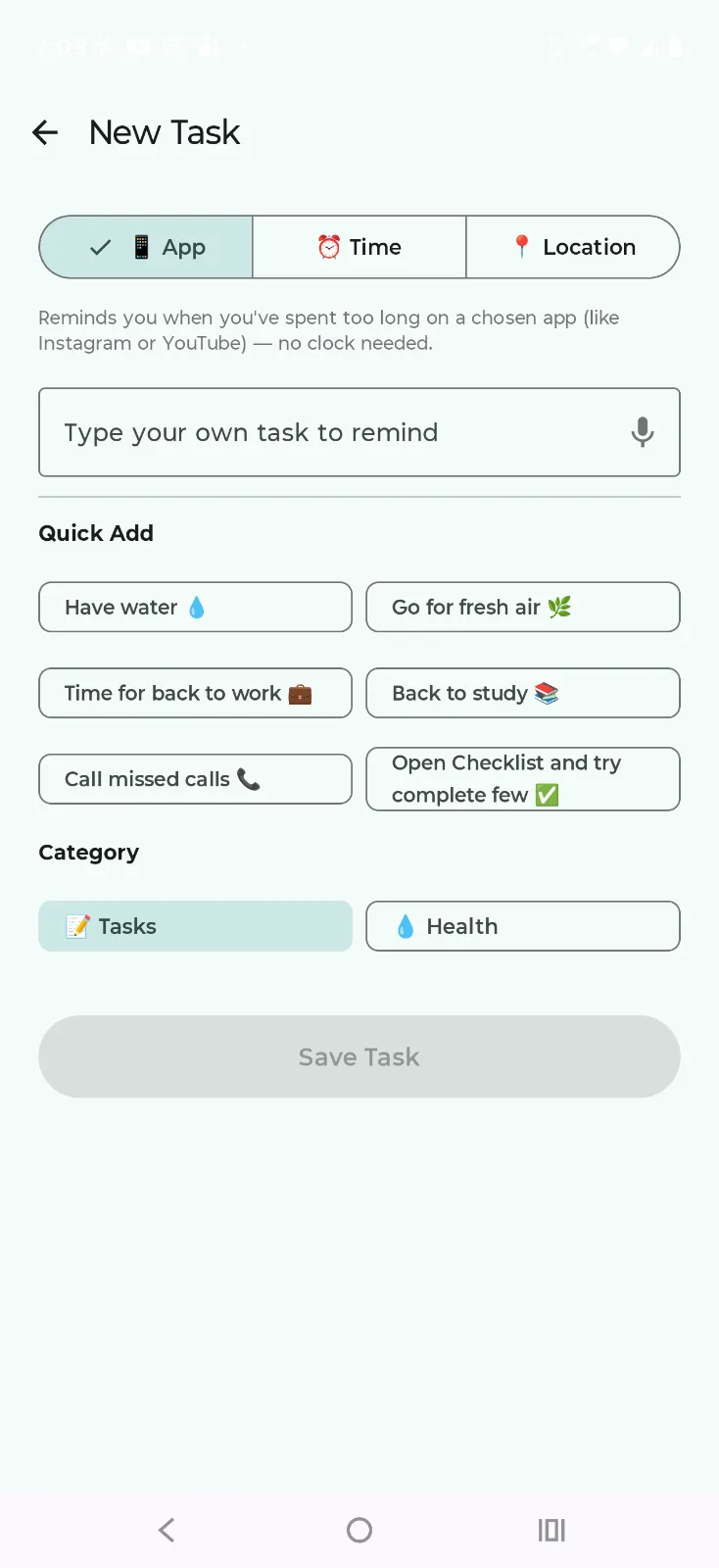
Two screens, one idea: adding a reminder should take seconds, not a form to fill out.
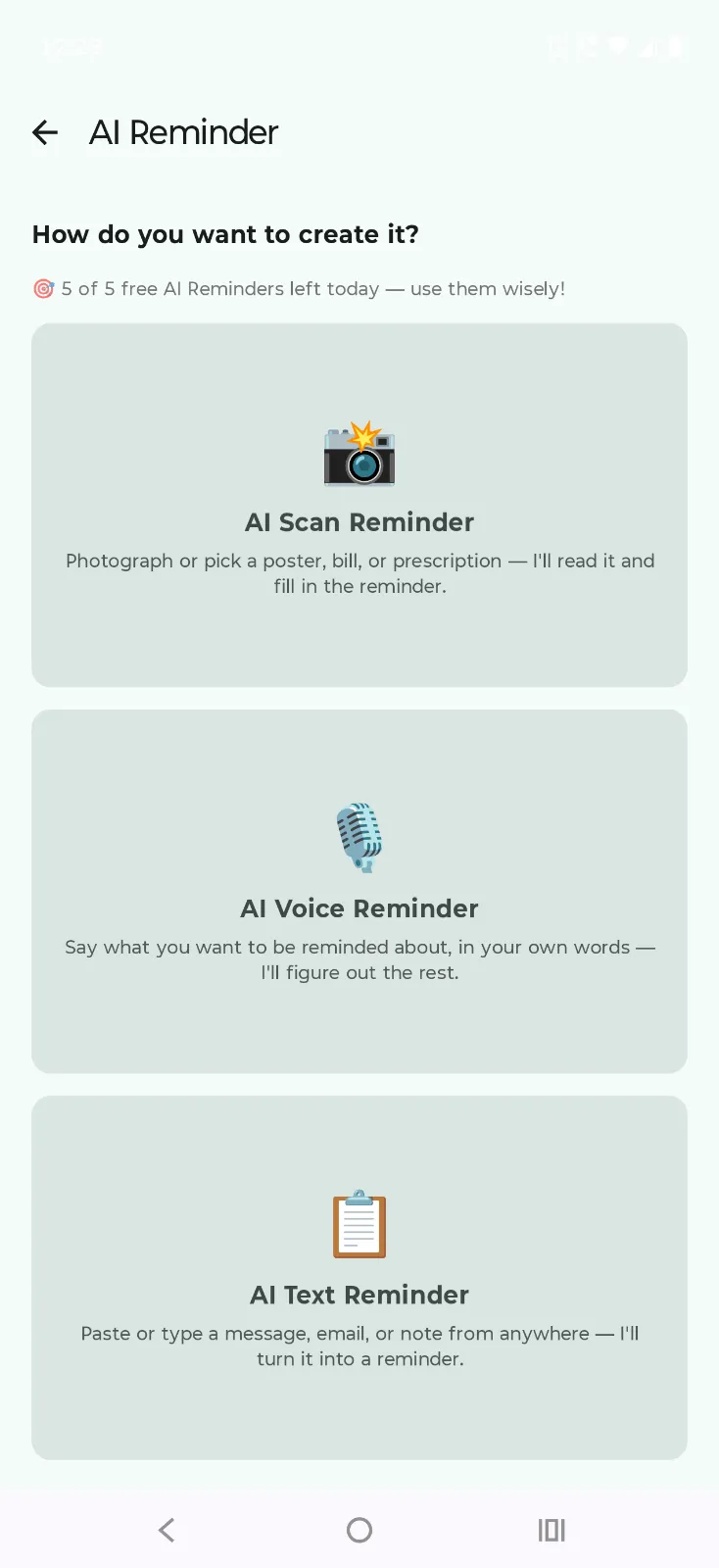
Scan a poster or bill, say it out loud, or paste some text — AI reads it and fills in the reminder for you. See how it works →
Pick a trigger, type your task or tap the mic, done. Quick Add chips cover the everyday stuff, and every task sorts into Tasks or Health. Watch it set up →